
Video marketing tools are becoming increasingly popular and essential in this digital era. Any brand that wants to compete in this generation needs digital marketing tools to boost its traffic and engagement. According to Sellerscommerce, over 93% of businesses use video marketing. While 95% of marketers consider video an important part of their overall strategy, this has increased over the past year by about 10 percent.
Let’s understand more about video editing tools, their benefits, limitations, pricing, and more, for a clear understanding of how it works and why companies are showing more interest in video editing software. Here, we will also discuss the best strategies that you can use as a business owner or manager to increase public attention and organic traffic on your website.
What is Video Marketing?
This is the most generic and commonly asked question. Video marketing is a simple practice of using or incorporating video into your system to educate, attract, and convert leads into buyers. It includes everything that you view online, including 15-second video clips on social media, long demos or testimonials, live events, and personalized messages. These videos make the interaction experience simple and engaging. Video marketing has the potential to make viewers click on a link or fill out a form.
According to 2026 reports, video dominates approximately 93% of businesses’ marketing tools, while increasing traffic by around 82% with good ROI (Return on Investment). Video formats like Shorts on YouTube, Reels on Instagram, and Short Videos on Facebook have become one of the most influential video marketing practices. The best video marketing tools and techniques are those that help teams produce and use these videos efficiently.
What are the Key Benefits of Video Marketing?
Video marketing has become an important part of marketing for every business. It is no longer an optional measure. Companies that want to succeed must use the upcoming trends of marketing to get attention in this competitive world. These are some of the key benefits of video marketing:
- Helps increase organic website traffic: Video content ranks well in search engines and also gets shared on social media platforms. This brings organic visitors who might never have heard of or seen your website page.
- Increase the conversion rate: Video offers a faster and simpler understanding of what product or service you are offering, how it works, and how it helps. When people can see the product through video, more visitors will take the next step.
- More leads and sales: Video builds trust faster than only copying someone else’s content. Product demos, testimonials, stories, and personalized outreach videos turn interest into action by showing the actual results in a way that raises the need for the product.
- Product understanding: Complex features, benefits, and processes can be understood more easily using visuals than in written documents. Videos reduce confusion and answer questions in simple and realistic ways.
- Faster revenue and increased sales: Companies using videos consistently shorten sales cycles, create sustainable assets, improve the customer experience, and increase sales closing rates. This works through multiple channels. Continuity of brand trust and awareness leads to overall growth of a website.
- Longer time on page: Visitors may stay longer while watching the video when compared to reading a blog. It increases engagement signals and improves SEO performance by giving more opportunities to communicate your message before the visitors leave.
These benefits help increase both SEO and GEO. Longer engagement and higher-quality content help web pages rank better.
10 Best Video Marketing Tools: Benefits and Limitations
In this section, I have mentioned some of the best video marketing software that I have used to make visual content for my website. Let’s learn about the video marketing tools along with the help of their benefits and limitations, without any promotion.
1. Wistia
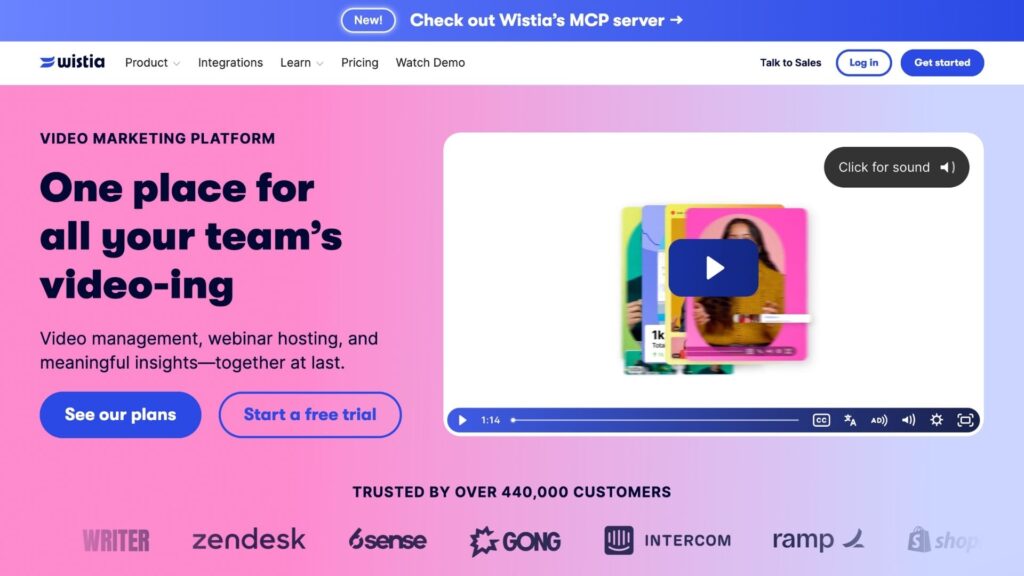
It is a B2B video marketing platform that provides ad-free hosting, viewer analytics, and in-video lead capture. It is for marketing agencies that want to have their own viewing experience and make videos engaging enough to turn leads into customers. Some of its key features include:
- Ad-free customizable player
- CRM integrations
- A/B testing
- AI-assisted editing and clip creation
- Webinar hosting
Pros
- It provides a full analytics report of where viewers rewatch, skip, and leave the video.
- Forms inside the video gather more leads than general website forms.
- Professional videos with no ads or competitor suggestions are preferred.
- Viewer data is directly shown in your CRM; this helps sales teams follow up.
- You can update the video without losing the previous stats and graphs.
Cons
- It is expensive for small businesses.
- A free plan is available, but it generates only a few videos for testing.
2. Vidyard
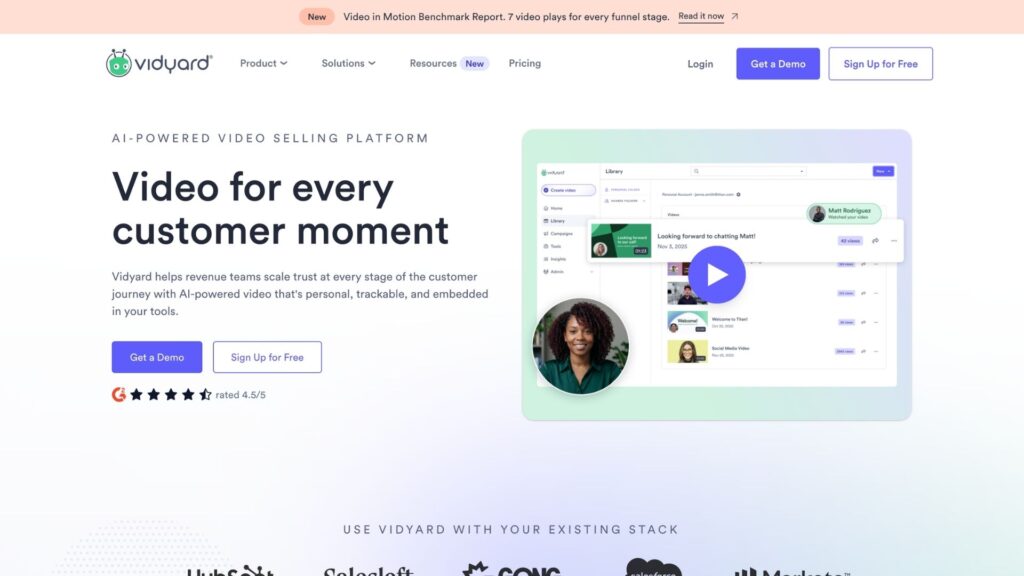
It is a video marketing software that is made specifically for sales teams. You can use it to record your screen and yourself. It sends personalised videos, and you will get an alert when someone watches. Some of the key features that it provides are:
- AI Avatars for faceless videos
- Automatic video generation with AI
- Personalized video
- Real-time analytics and watch alerts
- Links Salesforce and HubSpot
- Bulk personalization
Pros
- Provides real time alert when someone watches your video.
- Uses artificial intelligence to create personal videos without recording separately.
- Reply rates are much higher than manual text messages.
- Viewers’ data can be seen in the contact records.
- Provides a Chrome extension and an app for faster sharing and recording.
Cons
- Advanced features require higher pricing plans.
- Editing with the free trial is very basic for advanced video editing and creation.
- The free plan provides limited features.
3. Vimeo
It is best for ad-free HD quality hosting and privacy control. Vimeo provides clean playback, strong privacy options, and an advanced interface. It works best for businesses that prefer quality over quantity. Some of the key features are as follows:
- High-quality ad-free video generation
- Password and privacy control
- Built-in recording and simple editing for guest users.
- Provides AI transcription, live streaming, and video.
Pros
- Keeps proper track of the content.
- Provides advanced privacy features like passwords, domain limits, and private links.
- Helps with transcripts and simple editing.
- Used to review and approve videos for better efficiency.
- It is best for agencies that want a private video experience.
Cons
- For the best features, you need to pay more.
- Lead collection is weaker.
- For heavy editing, you will need advanced controls.
Related: 12 Best Affordable SEO Tools & Why You Need Them
4. Canva
It is a simple tool that allows you to do medium-to-advanced-level video editing. You can generate videos by editing images in the same place. It is one of the easiest video editing tools. It provides several key features, including:
- It has a huge template library.
- Provides AI tools for short video clips and image generation.
- Screen and camera recording are available.
- Stock media and easy resizing make it easy and simple to use.
- Team sharing is an additional feature.
Pros
- Easy-to-use tool for beginners.
- Design and video tools live together for better results.
- The free plan is useful for basic editing.
- Templates and resizing tools make it fast and easy to make it social media-friendly.
- The free plan works well with teams with basic requirements without spending a single penny.
Cons
- The free plan doesn’t support heavy video editing.
- Video can sometimes look generic.
- Credit limits can be exhausted quickly with heavy AI use.
- Don’t provide strong features for heavy and multi-layer editing.
5. Lumen5
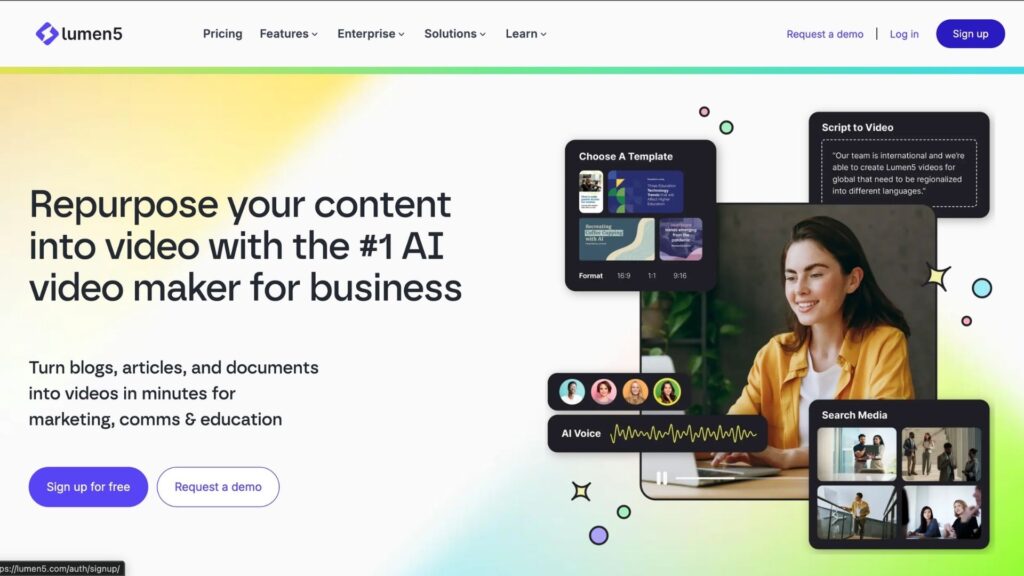
It is best for AI text-to-video generation. It converts written content into videos with very little manual work. Lumen5 helps teams to generate high-quality video content using simple text. Key features include:
- Automatically picks stock clips
- Has a huge template library
- Brand settings provide a consistent video format look
- AI visual generation makes it a simple and time-saving video marketing tool.
Pros
- It is one of the fastest ways to turn content or text into video.
- Make consistent videos using the Brand setting.
- Easy to learn and simple to use.
- AI automation is useful for video generation according to different social media requirements.
- Helps with maintaining a regular content calendar.
Cons
- Results sometimes look like generative stock videos.
- Less creative control than that of a full editor.
- Free plans come with watermarks and lower video quality.
- Not useful for highly branded and longer storytelling videos.
6. Descript
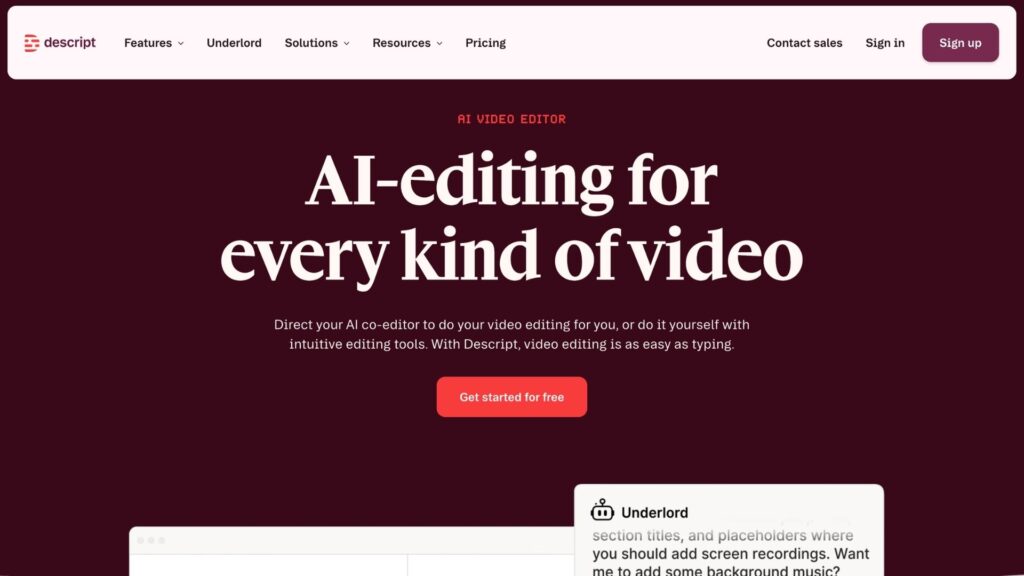
It lets you edit video by editing the text transcript. Provides a real-time editing feature that automatically cuts the video if a sentence is deleted. It is best for interviews, podcasts, and talking-head videos. It provides several features, some of which are as follows:
- Edit using changes in the text (transcript).
- You can remove filler words by using its automation feature.
- Provides an AI helper for simpler tasks.
- Useful for turning long videos from YouTube or Facebook into short Instagram Reels and YouTube Shorts.
- Removing the text automatically removes the corresponding recording.
Pros
- Faster editing for podcasts and spoken videos.
- Cutting text simply removes the matching audio and video.
- Helpful in fixing poor audio quality.
- Turns long recordings into short clips at ease.
- AI helps with cleaning up the tasks.
Cons
- Some report technical issues during complex work.
- Slows down on heavy editing projects.
- Lower editing quality for shorter clips.
- Takes time to learn, as it comes with a steep learning curve.
7. CapCut
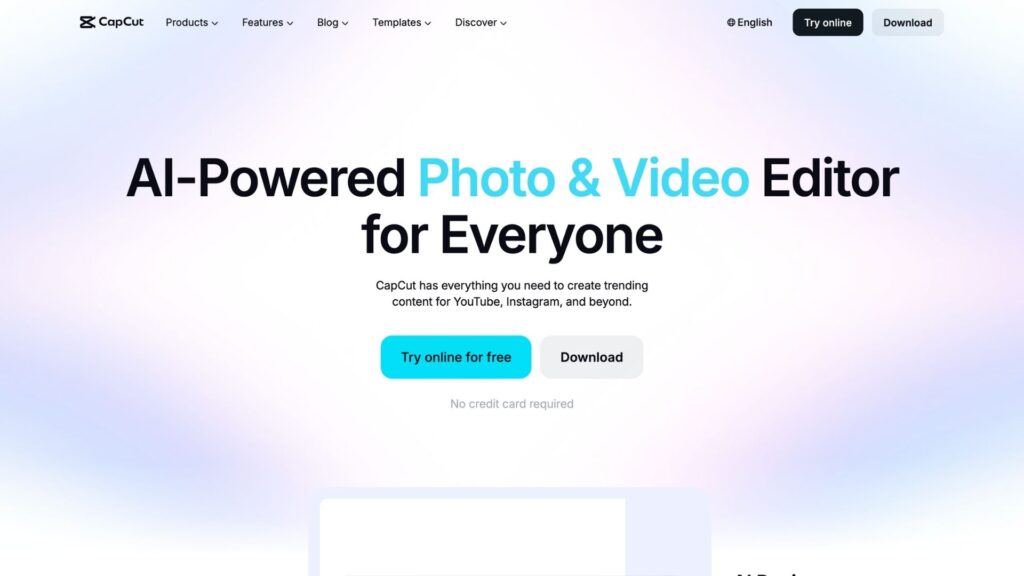
It is a simple and free video management tool. It is best for short-form video editing for social media platforms. CapCut is fast and easy to use on both mobile phones and desktops. It is one of the top video marketing tools for publishing videos on social media platforms. It provides several features:
- It is best for TikTok, Reels, and YouTube Shorts.
- AI captions, templates, auto effects, and many more features help ease the task.
- Background removal is one of the most popular features of CapCut.
- It also provides trending sounds and camera tracking.
Pros
- The free version provides lots of useful features.
- Easily create lots of short social media videos.
- Mobile and desktop-friendly.
- AI captions and effects save time and effort.
- Great for more perfect and polished results.
Cons
- Privacy concerns because of the operating company.
- For advanced and heavy editing, a higher-tier plan is needed.
- Some of the processes can’t be done using free or smaller plans.
- Not ideal for long videos.
Related: Top 6 Organic SEO Agencies for Long-Term Growth
8. Spotlightr
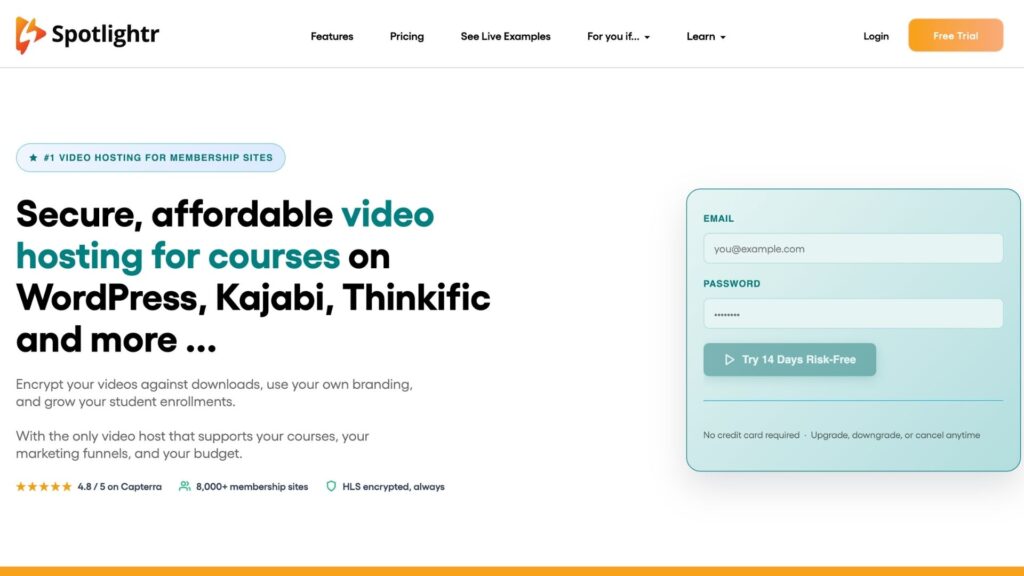
It is an effective tool for interactive lead capture videos. It is affordable and can turn videos into lead collectors. You can add links, buttons, and clickable spots inside the video so viewers can take fast and instant action. Its features include:
- Lead collection
- Privacy and security options
- Basic buyer analytics for analysing customer behaviour
- Customizable plans for buyers according to their needs
Pros
- Focuses on getting leads at a lower price compared to popular video management software.
- Provides simple and useful options to fill forms and visit the website without leaving the video.
- Advanced privacy and security options are available.
- Simple and easy to use.
Cons
- Provides fewer advanced features than other tools.
- Design options are basic.
- Simple for strongest and sales outreach or social media volume.
9. Wave.video
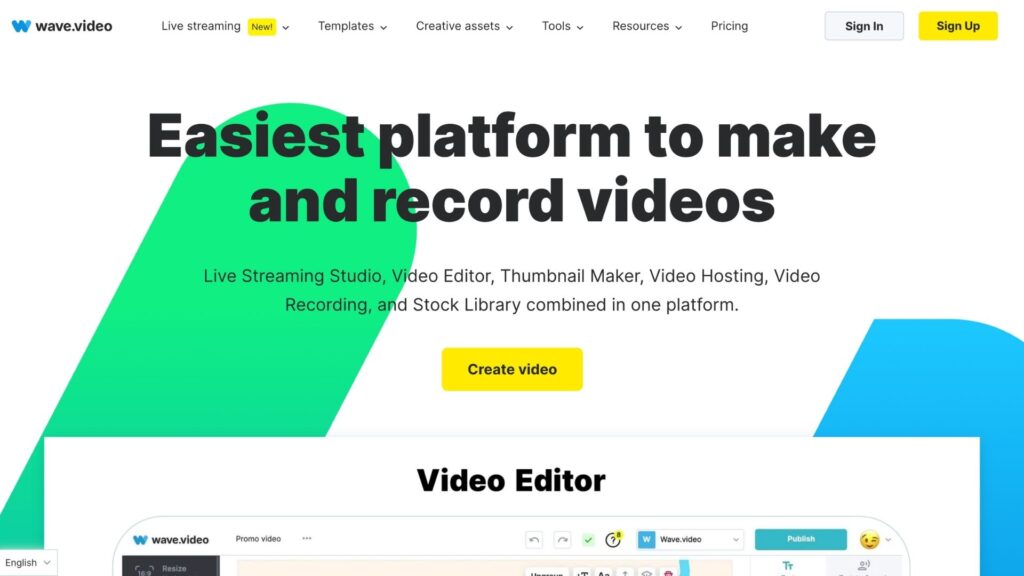
It is an-all-in-one live streaming and hosting platform. Companies use it when fewer tools are required. It provides features for streaming, hosting, and stock media. Some of the key features include:
- Browser editor
- Live streaming
- Hosting
- Templates
- And publishing
Pros
- Everything is under one dashboard.
- Best for teams that want a simple tool for live events and editing.
- Templates and stock photos help speed up the process.
- Provides hosting and publishing services on a single platform.
Cons
- It provides several features under a single platform but doesn’t have expertise in a single field.
- Live and hosting limits are limited.
- Analytics and CRM are weaker than any specialist tool.
10. Synthesia
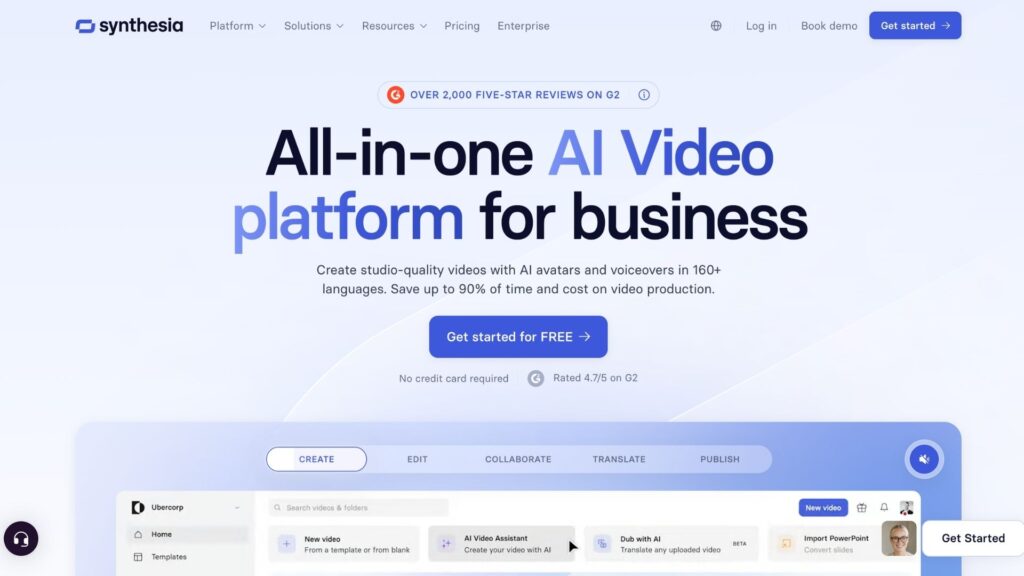
It helps in creating videos with avatars and supports multiple languages. You don’t need a camera or actors to make videos; an avatar alone can do all the tasks. It is useful for anyone who wants to focus on different locations or regions. It is also known as HeyGen. Some of its features include:
- Realistic AI avatars
- Offers 100+ languages and voices.
Pros
- Helps in making professional videos without any manual effort.
- Custom avatars and branding keep videos on-brand.
- Saves time and money compared to traditional filming.
Cons
- Avatars can sometimes look or feel unnatural.
- Pricing is higher than other available tools.
- A wrong or unclear prompt can result in inaccurate results.
Comparison Table
| Tool | Starting Price | Free Plan |
|---|---|---|
| Wistia | $79/month | Yes, with limited videos |
| Vidyard | $59/month | Yes |
| Vimeo | $12-20/month | Yes |
| Canva | $15/month | Yes, but with less video generation |
| Lumen5 | $19/month | Yes, but with a watermark |
| Descript | $16/month | Yes |
| CapCut | $8-20/month per user | Yes, strong free version |
| Spoylightr | $13/month | Trial plan available |
| Wave.video | $24/month | Yes but limited |
| Synthesia | $29/month | Yes, but with limits |
Conclusion
This blog is a complete guide for anyone looking for video management tools. The guide includes the 10 best video management software options that are easy to use. I have also mentioned their pricing, pros, and cons. You can also increase your sales and organic traffic with the help of these tools. Now, this is your chance to grow. Keep reading, keep growing.
Looking for custom web development, SEO services, or ready-made website templates? Visit LinksFrog and connect with experts to build scalable digital solutions for your business.
FAQs
- Which is the best video management software?
All the mentioned tools are the best, but according to me, HeyGen or Synthesia provides the best features. - What is the need for video management software?
With the growing digital era, video management software is necessary, as most youngsters are nowadays highly active on social media.